Little Nightmares 3: Lost Connection to Other Player
Complete troubleshooting guide for connection issues in Little Nightmares 3 co-op mode

Video Guide: Fixing Little Nightmares 3 Connection Errors
Credit: AarohanTechSol • YouTube • Oct 12, 2025
Little Nightmares 3 Connection Issues: Initial Checks and Basic Fixes
Restart Everything
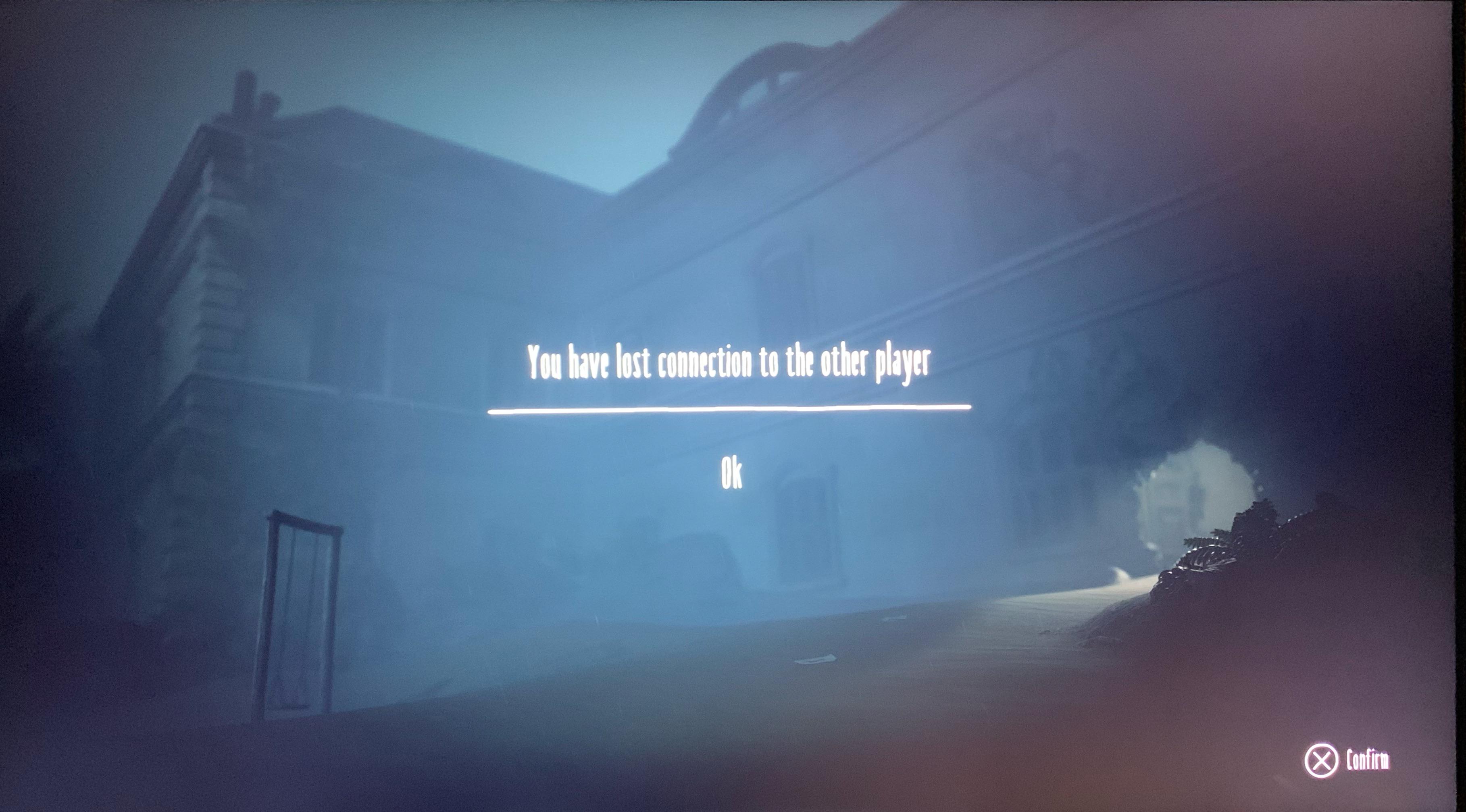
Close and completely restart both the game and your console or PC. Don't forget to reset your internet router as well.
Check Internet Connection
Ensure both players have stable internet connections. Try switching to a mobile hotspot to eliminate Wi-Fi issues.
Confirm Same Platform
Little Nightmares 3 does not support cross-play. Both players must be on identical platforms (PS5 to PS5, PC to PC).

Verify Time and Date
Ensure your computer's time, date, and timezone are correct. Enable automatic time settings and sync immediately.
Advanced Little Nightmares 3 Connection Troubleshooting
Try the PS4 Version on PS5
Many PS5 players have reported success by switching to the PS4 version of Little Nightmares 3. This workaround has resolved persistent connection issues for numerous users.

Change Wi-Fi Frequency (PS5)
Navigate to your PS5's network settings and experiment with switching your Wi-Fi frequency between 5 GHz and 2.4 GHz bands. This can significantly improve connection stability.
Check Steam Server Status
PC players should verify Steam server status to ensure there are no platform-wide outages affecting Little Nightmares 3 multiplayer connectivity.

Additional Little Nightmares 3 Multiplayer Connection Tips
NAT Type Configuration
Ensure your NAT type is open or moderate. Strict NAT types can prevent successful connections in Little Nightmares 3 co-op sessions.
Firewall and Antivirus
Temporarily disable firewall and antivirus software to test if they're blocking Little Nightmares 3's network connectivity.
Game Updates
Ensure both players have installed the latest Little Nightmares 3 updates, as patches often include connection fixes.
Port Forwarding
For persistent issues, consider setting up port forwarding for Little Nightmares 3 on your router to improve connectivity.
Still Experiencing Little Nightmares 3 Connection Problems?
If you've tried all these solutions and still can't connect with your partner in Little Nightmares 3, consider reaching out to the official game support team or checking community forums for platform-specific solutions.